

If you do View | Line Appearance | Chord, Tab, and Rhythm Line Appearance... and click on the button which says "Choose a new font for chord names..." it will open a dialog to choose a new font for the chord names. Consider trying a new color for chord names... Colored chord names can make the chords stand out from the lyrics, making them easier to see:
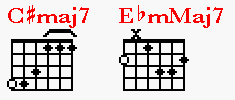
Dust in The Wind with Color Chords:
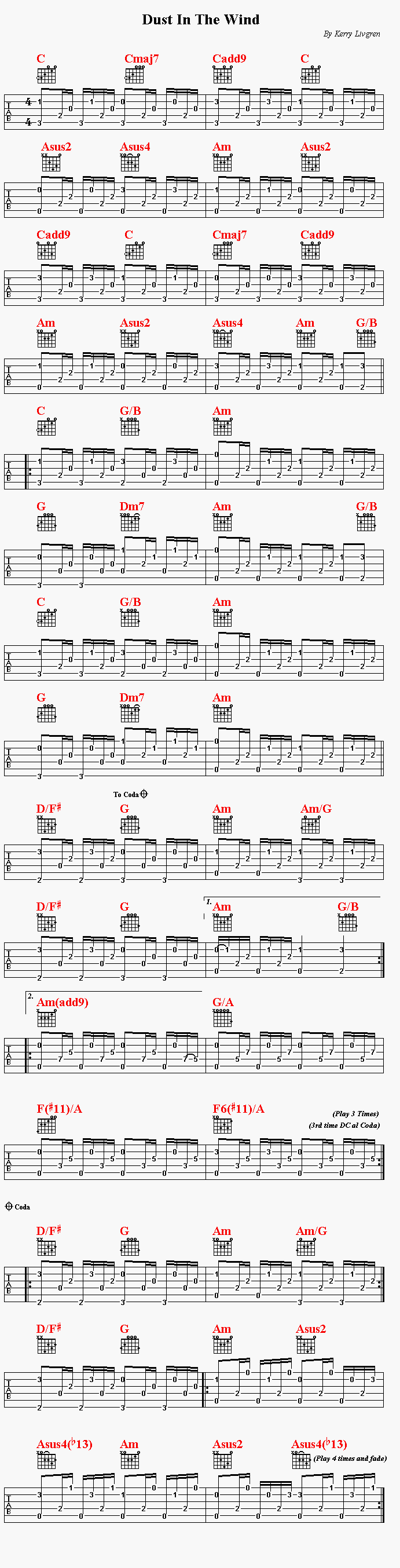
If you decide you want to permanently use color for chord names you should go to File | Set Preferences | Chord Lines | Choose font for chord nines... and then choose the color (and font) you want. This will be the color for all new music you create.
NOTE: You must have MusEdit version 3.80.6 or later to see these color chord names correctly! If you are a current MusEdit user, contact Yowza Software to get the latest free update info .
